LinkedIn Product Launch Visuals from Screenshots
LinkedIn product launches need visuals that stop the scroll and explain the product quickly. A long founder story may get attention, but a strong product image helps people understand what has been built. Turning screenshots into mockups can make launch posts feel more polished and credible.
Why LinkedIn launch images matter
On LinkedIn, users scan quickly. A raw screenshot may not stand out, especially if it contains small UI details or a busy dashboard. A clean mockup gives the screenshot structure, depth, and a stronger focal point.
For founders and small SaaS teams, this can make a launch post look more professional without requiring a full design team.
Choose a visual that supports the post story
If your post is about solving a workflow problem, show the workflow. If it is about a new app, show the main product screen. If it is about a customer result, show the output or dashboard. The image should match the first few lines of the post.
A mismatch between copy and visual can weaken the launch. The reader should understand the product even before reading the full post.
Create LinkedIn-ready mockups
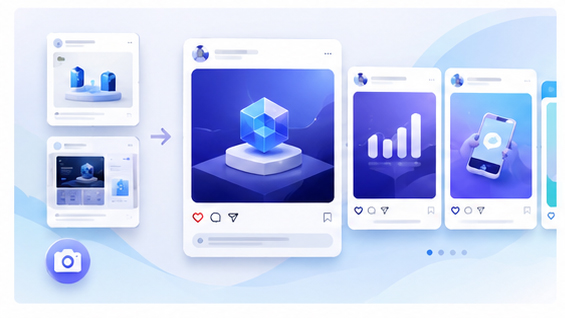
Use the Animock editor to upload your product screenshot and create a polished mockup for LinkedIn. You can export square, wide, or carousel-friendly visuals depending on your launch format.
This workflow is useful for launch day, feature announcements, milestone posts, and weekly build updates. A consistent mockup style can make your product posts easier to recognize over time.
Design for the feed
Keep the product screen large. Avoid tiny text, crowded backgrounds, or too many floating UI elements. Use a clean composition with one main focus. The image should remain understandable even when displayed smaller in the feed.
If you use a carousel, make the first slide the strongest product mockup. Later slides can explain features, workflow, benefits, and call to action.
Use launch visuals beyond LinkedIn
A good LinkedIn mockup can also work on X, newsletters, Product Hunt, blog articles, and website announcement banners. Creating a reusable asset saves time and keeps messaging consistent.
Turn attention into action
The post should include a clear next step. Invite readers to try the product, join the waitlist, read the launch article, or explore the editor. The visual gets attention; the call to action gives direction.
Preparing a LinkedIn product launch? Open the Animock online editor and turn your screenshot into a polished launch visual.
A clear product mockup can help your launch post communicate faster, look more professional, and drive more interested clicks.