
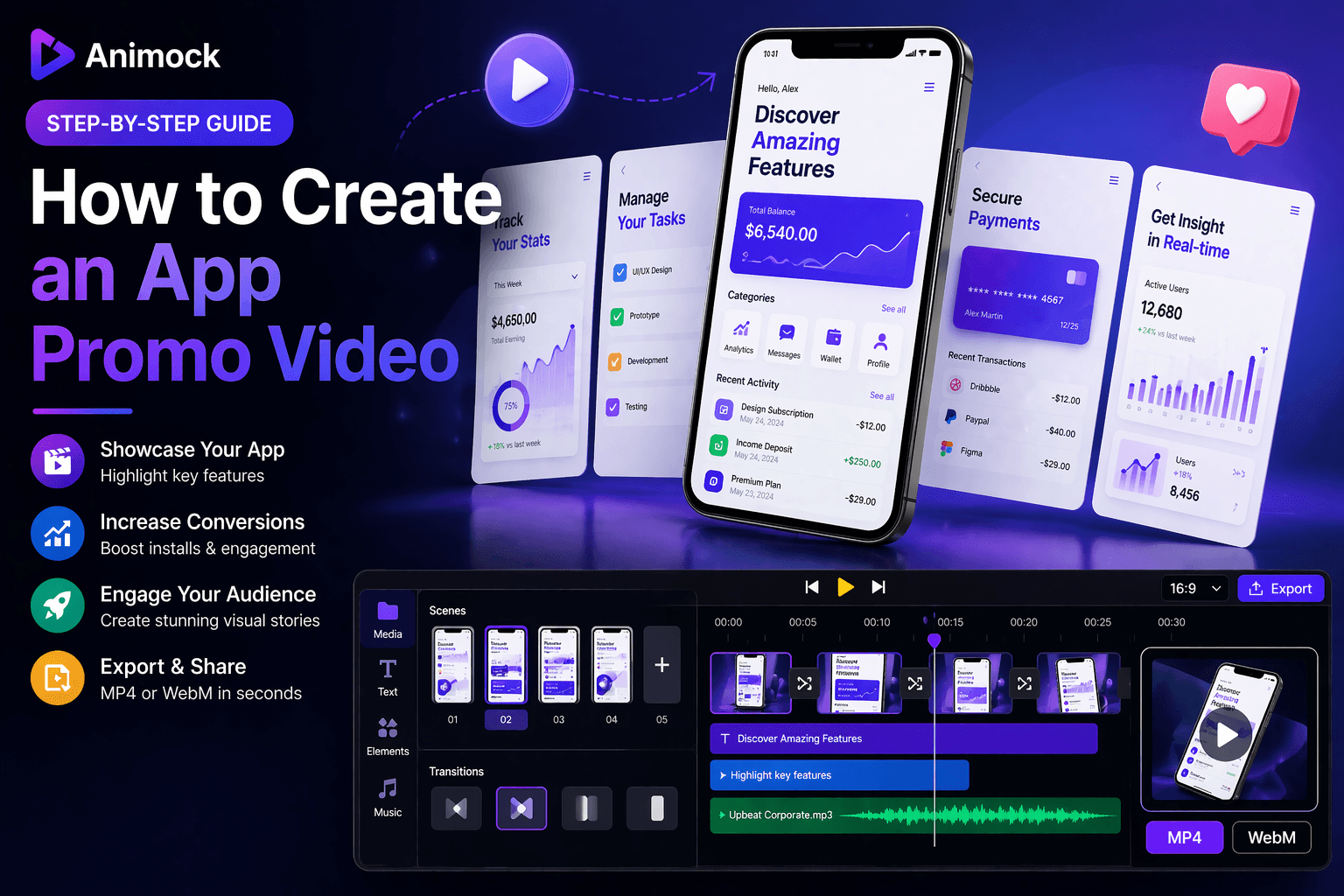
How to Create an App Promo Video (Step-by-Step Guide)
Introduction
An app promo video is one of the most effective ways to showcase your product. Whether you are launching on the App Store or promoting on social media, a high-quality video can significantly improve conversions.
In this guide, you will learn how to create an app promo video quickly using Animock.
Why You Need an App Promo Video
- Increase App Store conversion rates
- Improve user engagement
- Explain features clearly
- Boost marketing performance
Step-by-Step: Create an App Promo Video
Step 1: Prepare Your Screenshots
Capture key screens of your app that highlight important features.
- Login screen
- Main dashboard
- Core features
- Results or benefits
Step 2: Upload to Animock
Upload your screenshots into the editor.
Arrange them in the correct order to tell a story.
Step 3: Add Animation
- Slide transitions
- Zoom effects
- Fade animations
Keep animations clean and smooth.
Step 4: Add Text and Highlights
Highlight key features with simple text overlays.
- Short and clear messages
- Focus on benefits
- Avoid too much text
Step 5: Adjust Timeline
Control the duration of each scene.
A good app promo video is usually 10–30 seconds long.
Step 6: Export Video
- MP4 for App Store and social media
- WebM for web usage
Best Practices
- Keep it short and engaging
- Focus on key features
- Use consistent style
- Add smooth transitions
Common Mistakes
- Too much information
- Poor visual quality
- Overcomplicated animations
- No clear message
Conclusion
Creating an app promo video is easier than ever with Animock.
Start creating your app video today and boost your product growth.